






The hard part of making a photo calendar is not the ordering. It is sitting down with four thousand photographs on your phone and trying to choose thirteen.
Most people start enthusiastically, pick three good images, then stall somewhere around May and end up filling the remaining months with whatever is reasonably in focus. The result is a calendar with two brilliant pages and ten forgettable ones.
There is a better way to approach it, and it starts with a simple idea: a calendar page is not viewed in isolation. It is viewed for roughly thirty days, during a specific season, in a specific mood. Choosing photographs that match the month they will hang in makes an ordinary set of pictures feel considered.
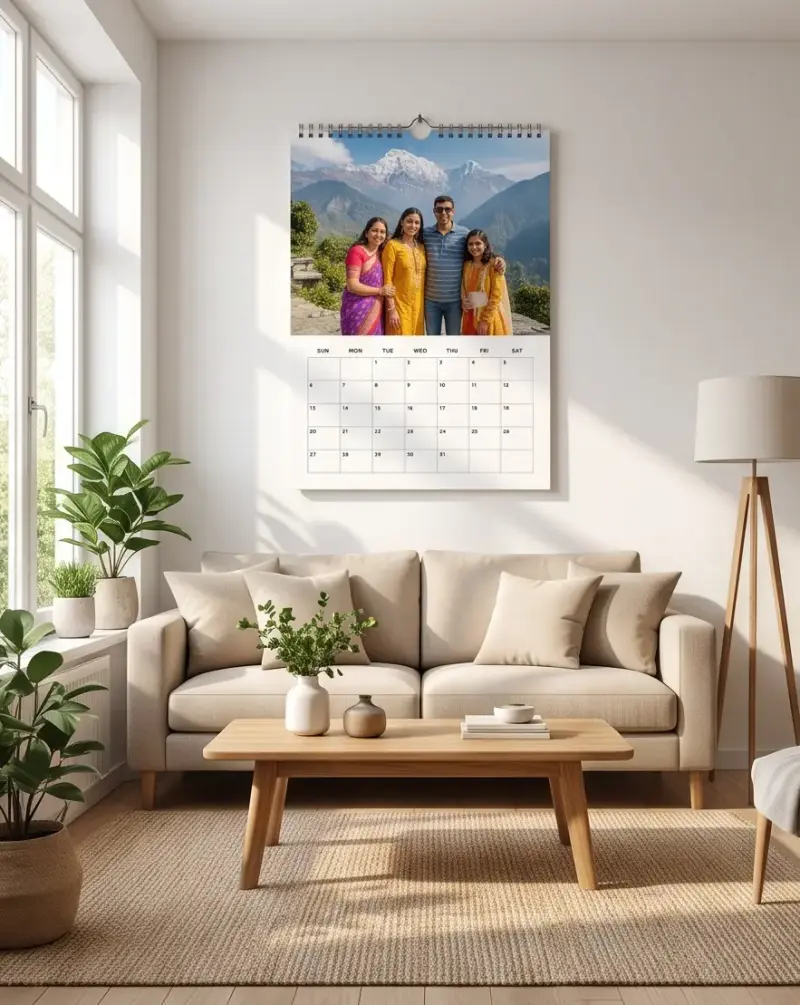
Start with a theme, not with photographs
The single most useful thing you can do before opening your gallery is decide what the calendar is about. Scrolling without a brief is what causes the stall at May.
A theme does three things. It narrows the search, so you are looking for specific pictures rather than good ones. It gives the finished calendar coherence, so thirteen pages feel like one object rather than a slideshow. And it makes the gaps obvious, so you know what still needs shooting.
Themes that work well:
- A year in the life. One photograph from each month of the year just gone, in order. Almost no decisions to make, and the chronology does the work.
- One person, twelve moods. Especially good for a child, where twelve months of growth is visible and genuinely moving by December.
- Places we went. Travel photographs ordered by trip rather than by date.
- The extended family. A different branch of the family on each page. Popular as a gift to grandparents.
- One subject, repeated. The same doorway, the same tree, the same view, photographed in twelve different conditions. Quietly impressive and much easier than it sounds.
- Black and white throughout. Converting everything to monochrome hides mismatched colour grading between photos taken on different devices, and makes an inconsistent set look deliberate.
That last one is worth dwelling on. The most common reason a calendar looks amateurish is that page three was shot on a phone in warm indoor light, page four on a DSLR at midday, and page five is a scanned print from 1998. Monochrome papers over all of it.
A month-by-month guide for Indian calendars
If you want to match images to seasons, here is a practical month-by-month starting point. These are suggestions, not rules, and they assume a January-to-December calendar. If you are printing an April-to-March financial year calendar, shift accordingly.
January: new beginnings and cold mornings
January in much of North India is foggy and cold; in the South it is pleasant. Either way it reads as a fresh start. Good candidates: sunrise photographs, misty mornings, the first page of something new, group photographs from New Year gatherings. Avoid anything visually heavy, because January pages tend to be looked at with optimism.
February: warmth and closeness
A short month that carries a lot of relationship association. Couple photographs, wedding pictures, anniversary images and portraits of two people work naturally here. If the calendar is a gift for a partner, this is the page to spend effort on.
March: colour
Holi makes March the most visually loud month in the Indian calendar. Even if you do not have Holi photographs, March suits your most saturated, highest-energy image. Flowers, festivals, crowds, bright clothing. This is the page where a slightly chaotic photograph works better than a composed one.
April: transition
Financial year beginnings, exam season ending, heat building. April suits photographs of change: a new house, a graduation, a first day somewhere. For businesses running an April-start calendar, this is effectively your cover page and deserves the strongest image you have.
May: heat and escape
The hottest month across most of the country, and school holidays. Hill stations, water, shade, ice cream, swimming pools. Cool-toned photographs feel genuinely pleasant to look at in May. Blues and greens over reds and oranges.
June: the monsoon arrives
Rain photographs are underrated and most people have none. Wet streets, umbrellas, windows with water running down them, the specific green that only appears after the first rains. If you are planning a calendar months ahead, deliberately shoot a few monsoon images; they will be the pages people comment on.
July: green
Peak monsoon. Landscapes are at their most lush. Western Ghats, paddy fields, waterfalls, gardens. July is the easiest month to fill if you have any landscape photography at all.
August: family and festivals
Raksha Bandhan, Independence Day, Janmashtami depending on the year. Sibling photographs, family groups, anything with a sense of belonging. August is a strong page for a calendar being gifted within a family.
September: settling
Rain easing, Ganesh Chaturthi in many regions, a quieter month. Suits calmer photographs: candid portraits, someone reading, home interiors, pets asleep. Not every page needs to be an event.
October: festival season begins
Navratri, Durga Puja, Dussehra. Clothing, lights, dance, crowds. October and November carry the richest photographic material of the Indian year, so if you have festival pictures, these are their pages.
November: light
Diwali. Diyas, rangoli, lit doorways, families in new clothes. Warm-toned photographs look exactly right in November. If you have a single photograph that captures what your family looks like at its best, this is usually where it belongs. We have written separately about personalised Diwali gifts if you are thinking about the season more broadly.
December: looking back
The last page gets looked at during a reflective month. Group photographs, year-end gatherings, or the single best image of the whole set. Some people deliberately save their strongest photograph for December so the calendar finishes well.
The cover
Most calendar formats are thirteen pages, and the thirteenth is the cover. It is seen before the calendar is hung, while it sits in its packaging, and by anyone who picks it up. Choose a photograph that works small and reads instantly: a clear subject, strong contrast, not a busy group shot where everyone is tiny.
Ideas by who the calendar is for
For grandparents
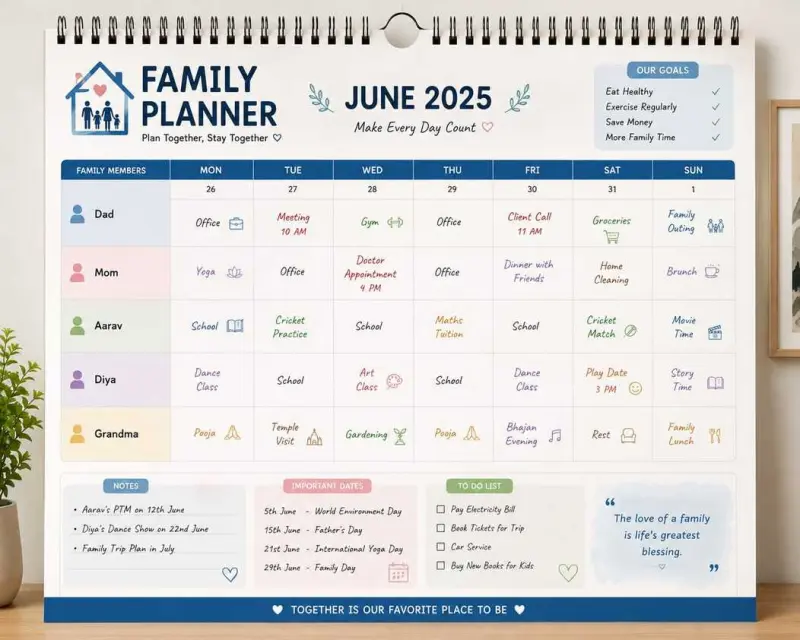
The most reliably well-received photo calendar gift there is. Rules that make it land: faces large in frame, grandchildren prominent, and dates marked. Grandparents use calendars as actual calendars, so legibility matters more than artistic composition. Load every family birthday and anniversary into the date grid.
Print it large. A wall calendar at a generous size beats a stylish desk calendar for anyone whose eyesight is not what it was.
For a partner
Chronology works beautifully here: photographs in the order the relationship happened, starting with the earliest. Mark the dates that matter in the grid. The effect by December is cumulative in a way that a single framed photograph never achieves.
For a child, or about one
A calendar documenting a baby’s first year, one photograph per month, is one of the few gifts that genuinely improves with time. If you are shooting with this in mind, see our guide to baby photo ideas from month one to twelve, which maps neatly onto a twelve-page calendar.
For older children, let them choose some of the photographs. A calendar they helped make gets looked at differently from one that appeared on the wall.
For pets
Pet calendars are popular and easy to get wrong. The common failure is twelve photographs of an animal in roughly the same pose. Vary distance deliberately: one full-body shot, one tight portrait, one action photograph, one sleeping, one with a person, one from above. Shoot at the animal’s eye level rather than from standing height; it changes the character of the picture completely.
For a team or office
Team photographs, project milestones, office moments. The trap is making it feel like an internal newsletter. A good office calendar leans toward photographs people are happy to be in, not photographs that document achievements. If it is going out to clients rather than staff, that is a different product with different considerations.
Choosing photographs that actually print well
A photograph that looks good on a phone screen does not automatically look good at calendar size. The screen is small, bright and backlit; a calendar page is large, matte and lit by whatever is in the room.
Resolution and where your file came from
The most common problem is not camera quality. It is that the file has been through a messaging app. Photographs shared over WhatsApp are compressed substantially, and that compression is invisible on a phone and very visible enlarged on paper.
Always go back to the original in your camera roll or cloud backup. If a relative sent you the only copy of a picture over chat, ask them to send the original file by email or a file-sharing link instead.
Automated checks will flag blur, low resolution, noise, faces cut off, wrong orientation and pixelation before printing, which catches most disasters. But the check can only tell you a file is weak; it cannot invent detail that was never captured.
Orientation and crop
Calendar photo panels are usually landscape. Most phone photographs are portrait. This mismatch is the second biggest source of disappointment.
When a portrait photograph is placed in a landscape panel, something has to go, and it is usually the top of someone’s head or the bottom of the frame. Check every crop in the preview rather than assuming it will work out. If a picture only exists in portrait and it matters, consider a format with a portrait layout, or build that month as a collage of two images side by side.
Busy backgrounds
At print size, background clutter that your eye ignored on a phone becomes prominent. A washing line, a stray plastic chair, an open cupboard. Scan the whole frame, not just the subject, before committing a photograph to a month.
Over-edited photographs
Heavy filters, aggressive sharpening and pushed saturation look fine on a backlit screen and often look harsh in print. Skin tones in particular suffer. If a photograph has been through a beautification filter, consider using the unedited original; the printing process has a wider colour range to work with than you might expect.
Using the grid, not just the pictures
The half of the calendar people actually interact with is the date grid, and it is routinely ignored during design.
Birthdays, anniversaries and recurring events can be added with icons, and holiday packs are available for Indian holidays as well as US, UK, religious, school and custom sets. Using these properly is what separates a calendar that hangs on a wall from one that gets consulted.
Worth marking:
- Every birthday in the immediate and extended family
- Wedding anniversaries, including those of parents and siblings
- School terms and exam periods if there are children in the house
- Recurring commitments such as a monthly class or standing appointment
- The specific regional festivals your family actually observes, via a custom pack
Typography is adjustable too, with over 100 Google Fonts available and custom font upload. A lighter, cleaner typeface makes a calendar feel more considered, but do not sacrifice legibility for style on a product whose whole job is telling you what day it is.
Mistakes that ruin a calendar page
- Twelve photographs of the same thing. Vary distance, orientation and setting even within a tight theme.
- Saving the best image for the cover and nothing for December. The last page matters more than the first.
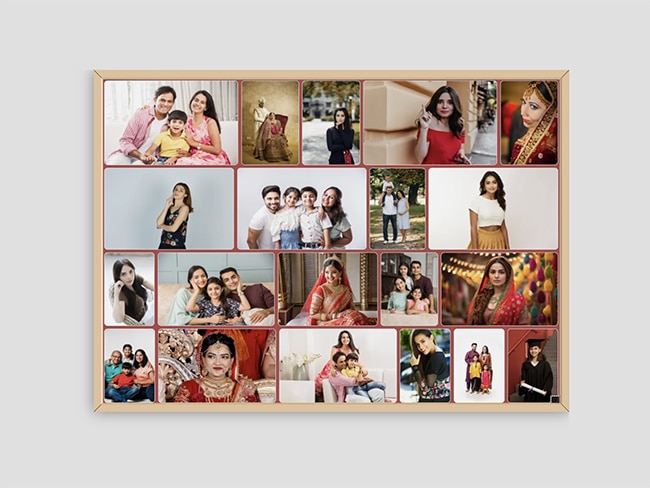
- Group photographs where faces are tiny. A twenty-person group shot shrunk to a calendar panel renders everyone unrecognisable.
- Ignoring the season. A photograph of snow in May is a small jarring note every day for a month.
- Forgetting the grid. An unmarked calendar is a poster with numbers on it.
- Leaving it until late December. The busiest printing window of the year is the worst time to be making decisions.
A practical way to actually get it done
If choosing feels overwhelming, work in passes rather than trying to pick final images straight away.
- Pass one: gather. Go through the year and pull every photograph you might conceivably use into one folder. Do not judge. Aim for sixty or so.
- Pass two: group by month. Sort them into the month they were taken, or the month they feel like. Some months will have fifteen candidates and some will have none.
- Pass three: fill the gaps. For empty months, either shoot something new or borrow from a neighbouring month with a surplus.
- Pass four: choose one each. Now pick, with the full set visible so you can see repetition.
- Pass five: check crops and resolution. Use the preview modes before ordering.
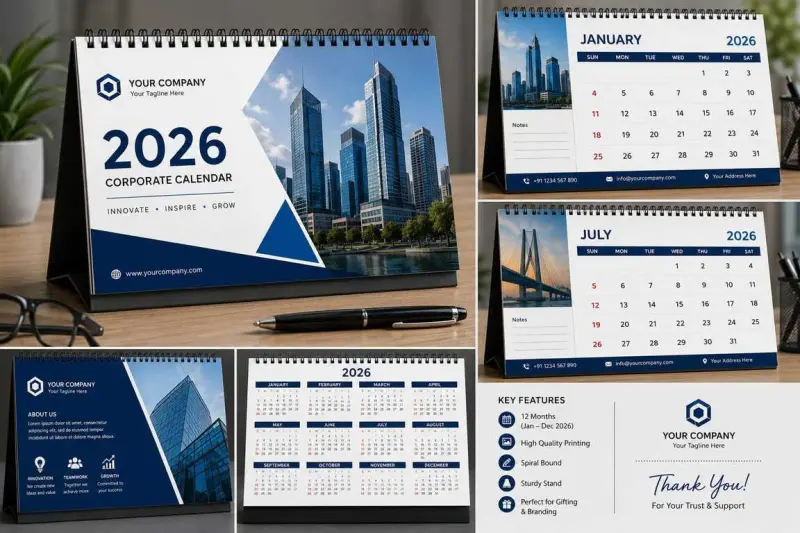
Preview options include flat, book, wall, desk, room, office, mobile and 3D views, so pass five is quick. Looking at the calendar in a room view catches scale problems that a flat preview hides.
Frequently asked questions
How many photos do I need for a photo calendar?
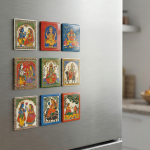
Thirteen for most formats: one per month plus a cover. Magnetic fridge calendars use twelve. Photo uploads are unlimited, so you can use collage layouts with several images per month if you have more.
Can I use old or scanned photographs?
Yes, provided the scan is high resolution. Scan at a high setting rather than photographing a print with a phone, which introduces glare and distortion. Mixing old scans with modern digital photos works best if you convert everything to black and white.
What photo should go on the cover?
Something with a clear subject that reads well small. Covers are seen at a distance and in packaging, so avoid busy group shots and anything that depends on fine detail.
Should I use colour or black and white?
Colour if your photographs were taken under similar conditions. Black and white if they come from many different cameras, years or lighting situations, because monochrome hides the inconsistency and makes the set look intentional.
Can I start the calendar in a month other than January?
Yes. A custom year option lets you set any starting month, which is useful for financial-year or academic-year calendars.
In short
Pick a theme first, match photographs to the season they will hang in, and treat the date grid as half the product rather than an afterthought. Work in passes instead of trying to choose thirteen perfect images in one sitting.
When you have your set ready, you can configure and order at PrintPosters.in photo calendars. If you are still deciding between a wall, desk or acrylic format, our guide to every calendar format and price covers the options in detail.